Design Stunning Business Cards in Canva for Free: A Step-by-Step Guide
5/10/2026, 11:19 AM · By Yossi Medina | Service: Business card design
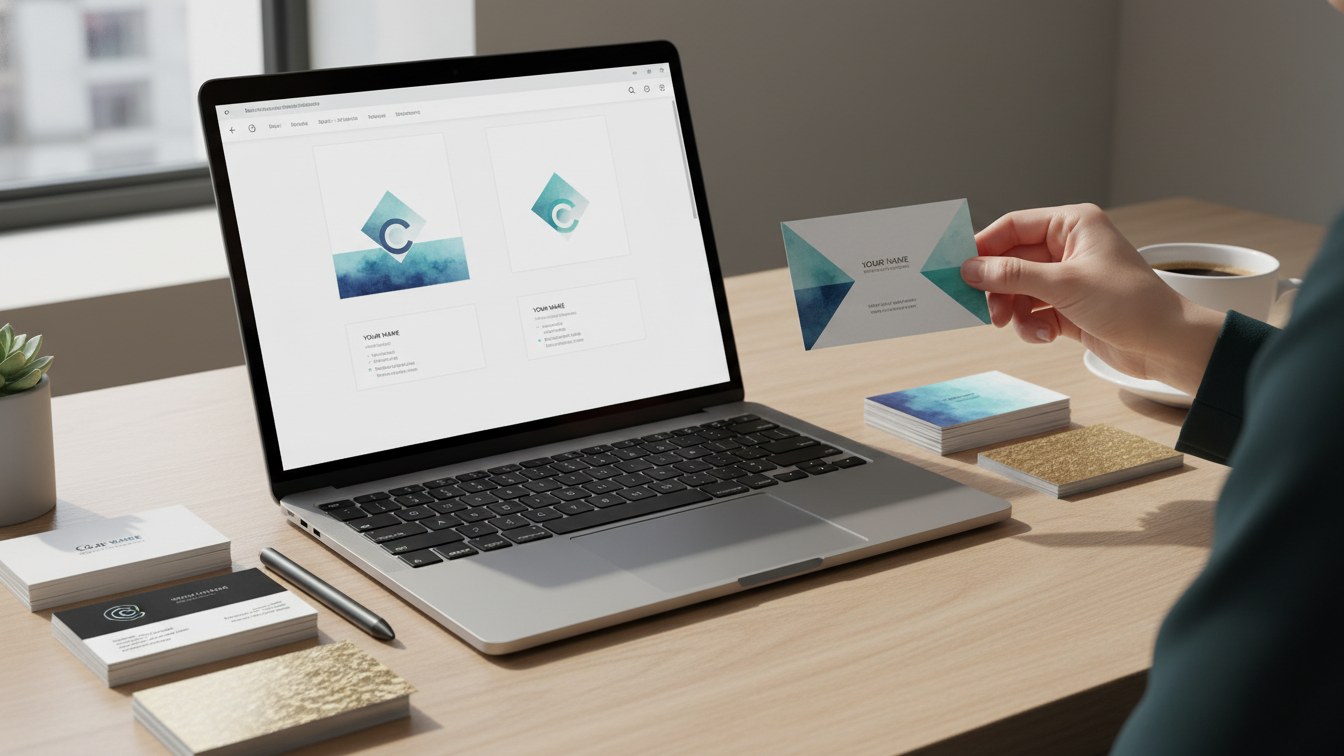
TL;DR
This blog post provides a comprehensive guide on how to design professional business cards using Canva—free design software. It also promotes our specialized business card design services for those seeking expert assistance.
Learn how to create eye-catching business cards using Canva for free. Explore our professional design services for a polished touch.
Why Business Cards Matter in Today’s Digital World
In an age dominated by digital communication, the importance of physical business cards cannot be overstated. They serve as a personal touchpoint, leaving a lasting impression on clients and connections. **A well-designed business card** can effectively communicate your brand identity and values, making it easier for potential clients to remember you.
Why Choose Canva for Your Business Card Design?
Canva is a user-friendly design tool that offers a plethora of features perfect for creating business cards without incurring costs. It's suitable for both beginners and seasoned designers. Key reasons to use Canva include:
- User-Friendly Interface: Intuitive design features that simplify the design process.
- Extensive Template Library: Access to thousands of customizable templates.
- Brand Consistency: Easily incorporate your company colors and logos.
How to Design a Business Card in Canva
Follow these simple steps to create your business card:
1. Create an Account on Canva
First, you'll need to set up a free account on Canva. Once you’re logged in, search for “Business Card” in the template search bar.
2. Choose a Template
Select a template that aligns with your branding. You can narrow down your options by using filters such as color, style, or layout.
3. Customize Your Design
- Edit Text: Input your name, title, and contact information.
- Adjust Fonts: Choose fonts that represent your brand.
- Use Brand Colors: Stick to your branding guidelines for consistency.
4. Incorporate Graphics and Logos
Add professional logos and images. Canva allows you to upload your graphics or choose from their extensive library.
5. Review and Download
Once your design is ready, review it for any errors. Download the file in your preferred format, ensuring it's suitable for printing.
Need Professional Help? Explore Our Business Card Design Services
Creating a business card can be fun, but for some companies, it’s worth considering professional help. At our agency, we understand the nuances of business card design that can effectively showcase your brand. Our experienced team can develop tailored designs that not only attract attention but also communicate your value proposition clearly.
Benefits of Using Our Business Card Design Services
- Expert Guidance: Our designers have years of experience in creating impactful business cards that resonate with target audiences.
- Unique Designs: We focus on originality, ensuring your card stands out from competitors.
- End-to-End Service: From conceptualization to final printing, we handle all aspects, providing you with a hassle-free experience.
Conclusion
Designing a professional business card in Canva for free is achievable with just a few simple steps. Whether you decide to embark on this DIY journey or leverage our business card design services for a polished look, ensuring your business card reflects your brand is key. For further assistance or to inquire about our design services, contact us today!
Frequently asked questions
Ready to get expert help with Business card design?
Learn more about Business card design