Mastering Business Card Design in Canva: A Step-by-Step Guide
5/9/2026, 2:46 PM · By Yossi Medina | Service: Business card design
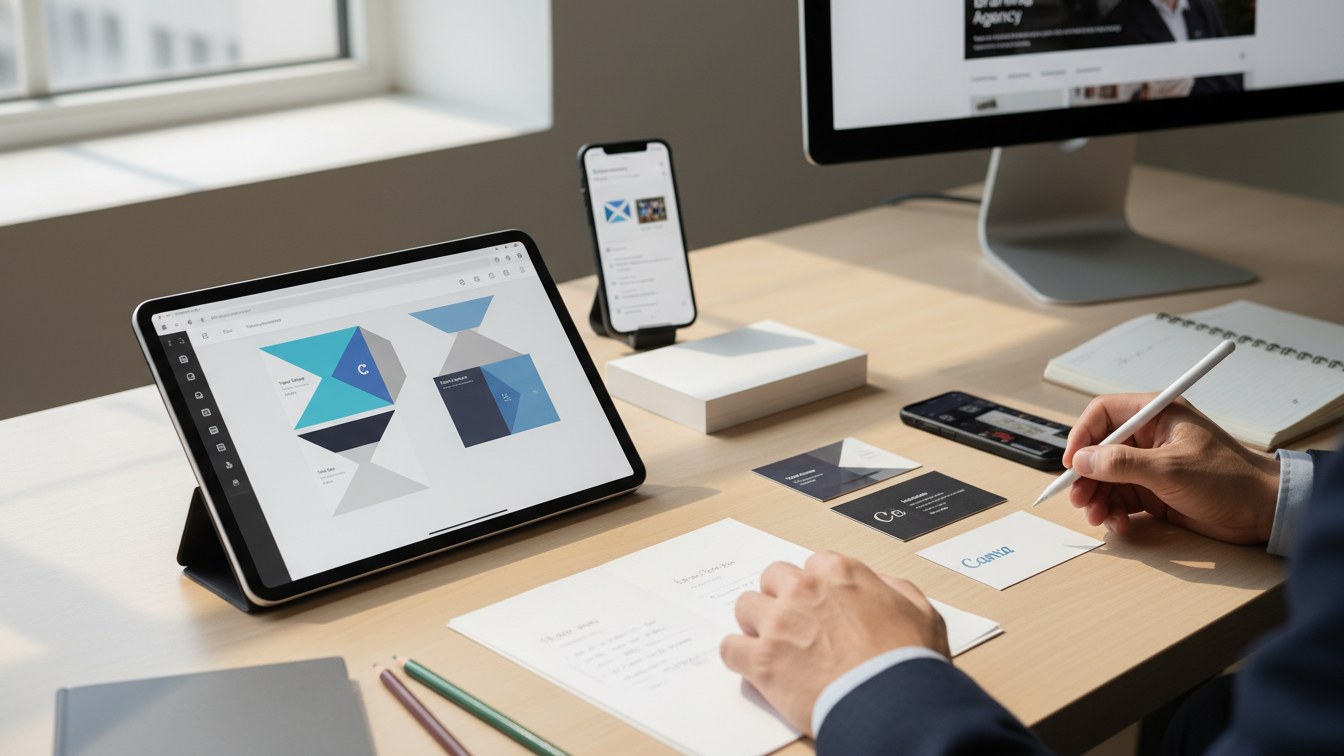
TL;DR
Learn how to design professional business cards using Canva for free. This guide provides a step-by-step process and tips to create impactful cards that reflect your brand identity, with options to streamline the process through our business card design service.
Discover how to design stunning business cards in Canva without spending a dime. This guide will walk you through the design process and show how our business card design service can take your brand to the next level.
Introduction to Business Card Design
In today's digital age, a well-crafted business card remains an essential tool for networking and personal branding. It is often the first impression you make on potential clients and partners. Designing your own business card can seem daunting, but with tools like Canva, it’s easier than ever to create a professional-looking card for free. This guide will walk you through the process and highlight how you can enhance your business card with our business card design service.
Why Canva for Business Card Design?
Canva is a user-friendly graphic design tool that allows anyone, regardless of their design experience, to create stunning visuals. Here are a few reasons why Canva is a great choice for designing your business cards:
- Templates: Canva offers a variety of customizable business card templates to suit different industries and aesthetics.
- Cost-effective: You can create a professional card for free, with options to purchase premium elements as needed.
- Ease of use: The drag-and-drop interface makes it simple to add elements, change colors, and experiment with layouts.
- Collaboration: Share designs with team members or clients for feedback before finalizing.
Step-by-Step Guide to Designing Your Business Card in Canva
Step 1: Create a Canva Account
If you don’t already have a Canva account, sign up for free at Canva.com. Once logged in, search for “Business Card” in the template search bar to get started.
Step 2: Select a Template
You’ll find a variety of templates organized by industry. Choose a template that resonates with your brand. Remember, your business card should convey your brand’s identity and values.
Step 3: Customize Your Design
- Add Your Logo: Upload your logo to the design to ensure your brand is prominent.
- Choose Colors: Use your brand colors for a cohesive look.
- Input Your Information: Include essential contact details like your name, title, company, phone number, email, and website.
- Font Selection: Use readable fonts that align with your brand's personality.
Step 4: Review and Revise
Check your design for any typos or layout issues. It's often helpful to have a second set of eyes review your card before finalizing.
Step 5: Download and Print
Once you’re satisfied with your design, download it in the desired format (PDF is recommended for printing). Ensure you have high-resolution settings for the best printing quality.
Enhancing Your Design Process with Professional Help
While designing your own business card can be fulfilling, you may benefit from professional assistance. Our business card design service can help you create a standout card tailored to your branding needs. Why consider our service?
- Expert Insights: Our design team has extensive experience in creating business cards that communicate your brand effectively.
- Time-efficient: Focus on what you do best while we take care of your design needs.
- Varied Options: We offer multiple design concepts to choose from, ensuring you have the perfect card.
Conclusion
Designing your business cards in Canva can be a fun and rewarding experience. With the right approach, you can create a card that not only looks professional but also effectively represents your brand. For those who prefer to leave it to the experts, our business card design service is ready to assist. Contact us today to discuss how we can help elevate your brand identity with stunning business cards.
Frequently asked questions
Ready to get expert help with Business card design?
Learn more about Business card design