The Future of Managed Updates in a Remote Work Era
5/29/2026, 11:31 AM · By Yossi Medina | Service: Managed Updates
TL;DR
As remote work continues to shape our professional landscape, the need for efficient and secure managed updates becomes paramount. This blog explores how our service helps businesses stay ahead with seamless updates and minimizes operational disruptions.
Discover how managed updates are evolving in a remote work era, ensuring your business remains agile and efficient.
The Shift to Remote Work and Its Challenges
The remote work landscape has transformed the way organizations operate, bringing forth both opportunities and challenges. With teams distributed globally, businesses face the following issues:
- Increased reliance on technology and digital tools
- Heightened security concerns
- Maintaining consistent productivity and communication
To navigate these challenges effectively, investing in managed updates can be a game-changer.
What Are Managed Updates?
Managed updates refer to the process of systematically keeping software and systems up to date without placing the burden on internal teams. This service covers a range of needs:
- Software upgrades
- Security patches
- Feature enhancements
By adopting a managed updates strategy, organizations can focus on core business functions while leaving technical maintenance to experts. For a deeper understanding of how this can specifically benefit your organization, explore our managed updates service.
Benefits of Managed Updates in a Remote Work Era
Implementing a robust managed updates service offers several key advantages for businesses operating remotely:
- Enhanced Security: Regular updates ensure that your systems are protected against vulnerabilities.
- Minimized Downtime: Scheduled updates help to prevent unexpected disruptions during crucial business hours.
- Increased Efficiency: Allows your teams to concentrate on high-value tasks rather than maintenance.
With these benefits, companies can maintain a competitive edge while ensuring that their operations run smoothly.
Future Trends in Managed Updates
As technology evolves, we anticipate several trends impacting managed updates:
- Automation: Increased use of automation tools to streamline update processes.
- Proactive Monitoring: Shift from reactive updates to continuous monitoring and maintenance.
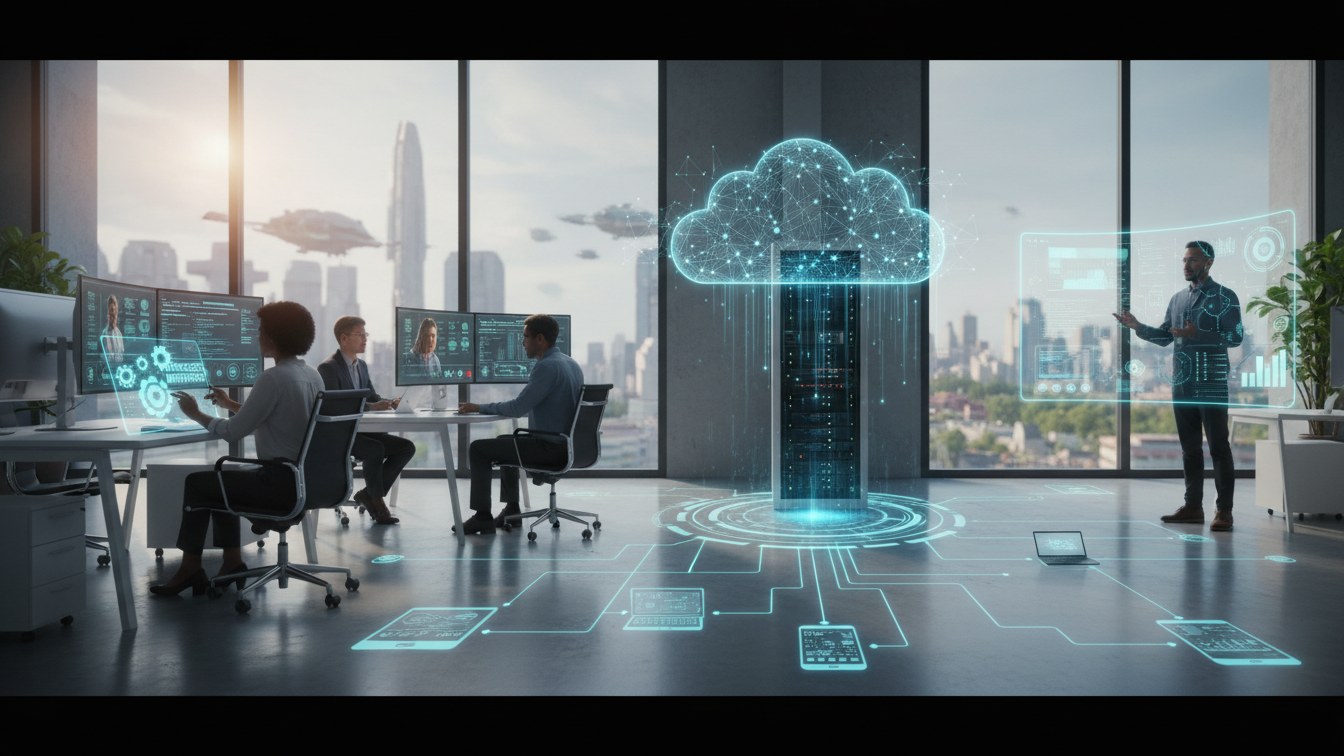
- Cloud Integration: Greater dependency on cloud services will centralize the update process.
Our managed updates service is designed to evolve with these trends, ensuring your business stays current and competitive.
Why Choose Our Managed Updates Service?
When you partner with us for managed updates, you gain:
- A dedicated team that understands the nuances of your business
- Access to the latest technology trends
- Tailored solutions that match your unique operational needs
In a remote work environment, having a reliable partner for managing updates is essential. Let us help you streamline your processes and enhance your capabilities.
Conclusion
The future of work is increasingly remote, making managed updates more vital than ever. By investing in our managed updates service, your business can enjoy enhanced security, minimized disruptions, and improved productivity. Don’t let software management become a headache; instead, focus on what you do best and let us handle the updates.
Ready to take the next step? Contact us to learn more about how we can support your organization in this evolving landscape.
Frequently asked questions
Ready to get expert help with Managed Updates?
Learn more about Managed Updates