The Ultimate Guide to Managing Windows Updates Effectively in 2026
7/16/2026, 3:27 PM · By Yossi Medina | Service: Managed Updates
TL;DR
This guide explores best practices for managing Windows updates in 2026, focusing on minimization of disruption and maximization of system performance and security. Utilizing professional services such as Managed Updates can streamline the process for businesses, ensuring compliance and enhancing operational efficiency.
Mastering Windows updates in 2026 is critical for maintaining system security and performance. This guide outlines effective management strategies and recommends professional solutions like Managed Updates to enhance compliance and operational efficiency.
Understanding the Importance of Windows Updates
By 2026, managing Windows updates effectively will be more crucial than ever. Studies predict that over 90% of successful cyberattacks exploit outdated software as their primary entry point. Therefore, businesses must not only ensure that Windows updates are applied but also understand the potential impacts of each update on their operations. For instance, a seemingly minor update could disrupt vital applications if not properly managed.
Common Challenges with Windows Updates
Managing Windows updates presents several challenges that can hamper business operations. Issues such as system compatibility, unexpected downtimes, and the varying needs of different business units can complicate the update process. For example, a financial institution relying on legacy systems may face significant disruptions if a new update conflicts with their software. Understanding these challenges is the first step toward implementing an effective management strategy.
1. Balancing Security and System Performance
Security should always be a priority when managing updates, but it should not come at the cost of system performance. Businesses need to strike the right balance between applying necessary security patches promptly and ensuring that these updates do not hinder critical operations. For example, our team recently worked with a healthcare provider that faced system slowdowns post-update, impacting patient management software. We helped them devise a strategy to schedule updates during low-traffic hours, thus minimizing the impact on their services.
2. Ensuring Compliance Across the Board
With evolving regulations around data protection and cybersecurity, compliance has become non-negotiable. Failing to keep systems updated can expose your business to compliance risks, leading to severe penalties. Managed Updates can play a key role in ensuring compliance. By automating the update process, businesses can guarantee that all systems adhere to the latest security standards. For instance, an enterprise that implemented our Managed Updates service saw a notable improvement in their compliance audit scores by consistently maintaining updated systems.
3. Navigating the Update Schedule
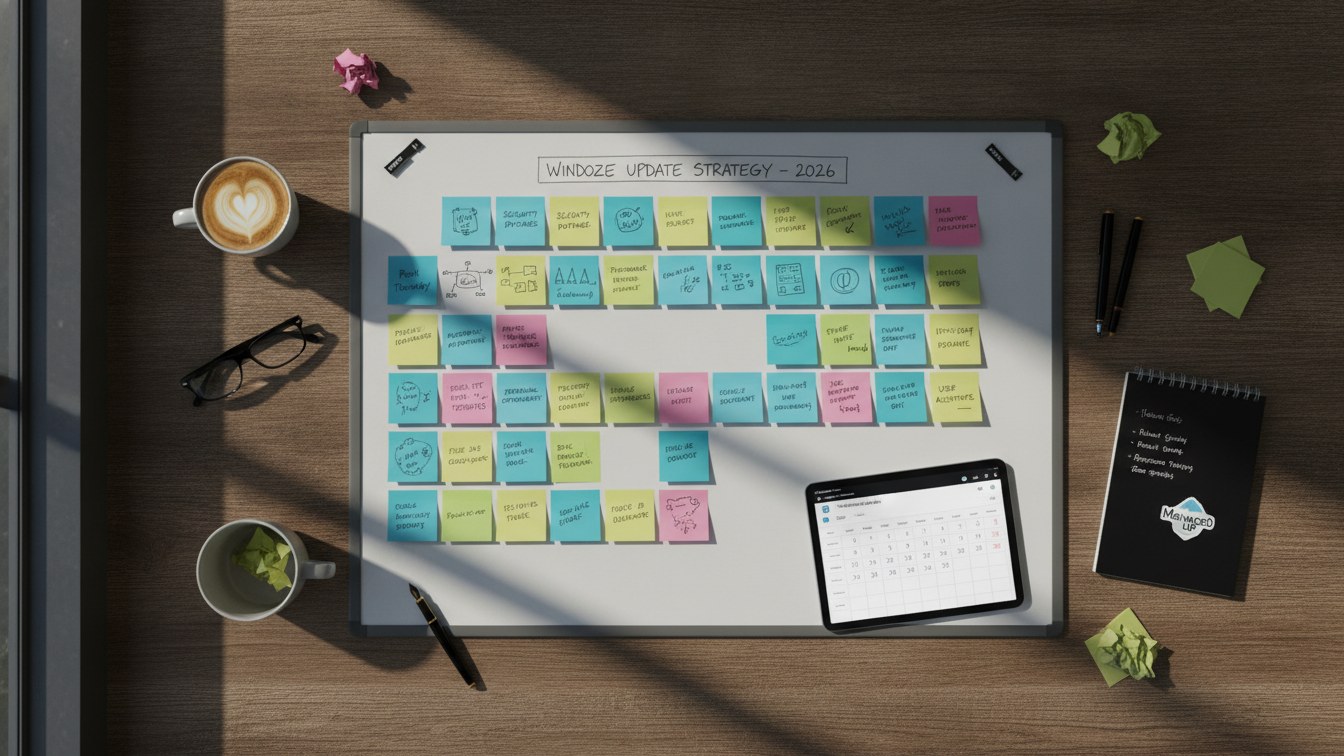
Microsoft releases updates in cycles, often categorized into security and non-security updates. Keeping track of these schedules can be tedious, especially for larger organizations. A smart approach is to set quarterly reviews of system statuses, prioritizing updates based on their urgency and relevance. For businesses heavily reliant on Windows products, adhering to this schedule can significantly reduce vulnerabilities. Our clients have seen great success in system resilience by closely monitoring and adapting their update schedules.
Proactive Strategies for Effective Management
Businesses can adopt several proactive strategies to streamline updates and reduce potential risks. Firstly, consider employing a dedicated team or service to oversee updates, focusing on compliance, security, and performance. The expertise provided by a service like Managed Updates ensures that your systems are not just up-to-date but are also performing optimally, thereby enhancing overall business agility.
4. Utilizing a Controlled Update Environment
Implementing a controlled update environment allows businesses to test updates before full deployment. By releasing updates in stages, potential complications can be identified early, thus minimizing disruptions. For instance, one of our clients in the software development sector adopted this approach, which helped to isolate issues related to compatibility before they affected production systems.
5. Regular Monitoring and Feedback Loops
Ongoing monitoring of system performance and user feedback regarding updates assist in refining the update process. Establishing a feedback loop from end-users helps in quickly identifying any post-update issues. For example, our Managed Updates service incorporates user feedback into its evaluation process, leading to an agile adjustment of update protocols. This way, businesses not only stay current but can also optimize their operations efficiently.
The Role of Managed Updates in Future-Proofing Your Business
As your business continues to rely on technology, ensuring that your Windows systems remain updated will be vital for future growth and security. Engaging a dedicated service like Managed Updates empowers companies to not only stay compliant but also to focus on their core operations without the constant worry of updating software. This can provide peace of mind, knowing that as new threats emerge, your systems remain fortified against potential breaches.
Conclusion: Stay Ahead of the Curve
As we move deeper into 2026, the challenges surrounding Windows update management will evolve. However, adopting proactive strategies and utilizing professional services can ease this burden while ensuring compliance and optimum system performance. Ready to enhance your update management processes? Contact us today to learn how we can assist you in navigating the complexities of Windows updates.